# IBM Maximo
1\. To connect an IBM Maximo provider, after [**creating a Project Space**](https://docs.sim-on.com/books/2-getting-started/chapter/project-setup) - navigate to the **[Providers](https://docs.sim-on.com/books/3-app-overview/chapter/providers)** view -> [**Connections**](https://docs.sim-on.com/books/3-app-overview/page/connections) page from the [**Left Side Panel**](https://docs.sim-on.com/link/147#bkmrk-). Click "Add connections" button and select **IBM Maximo** from available providers.
You'll be then redirected to the following page:
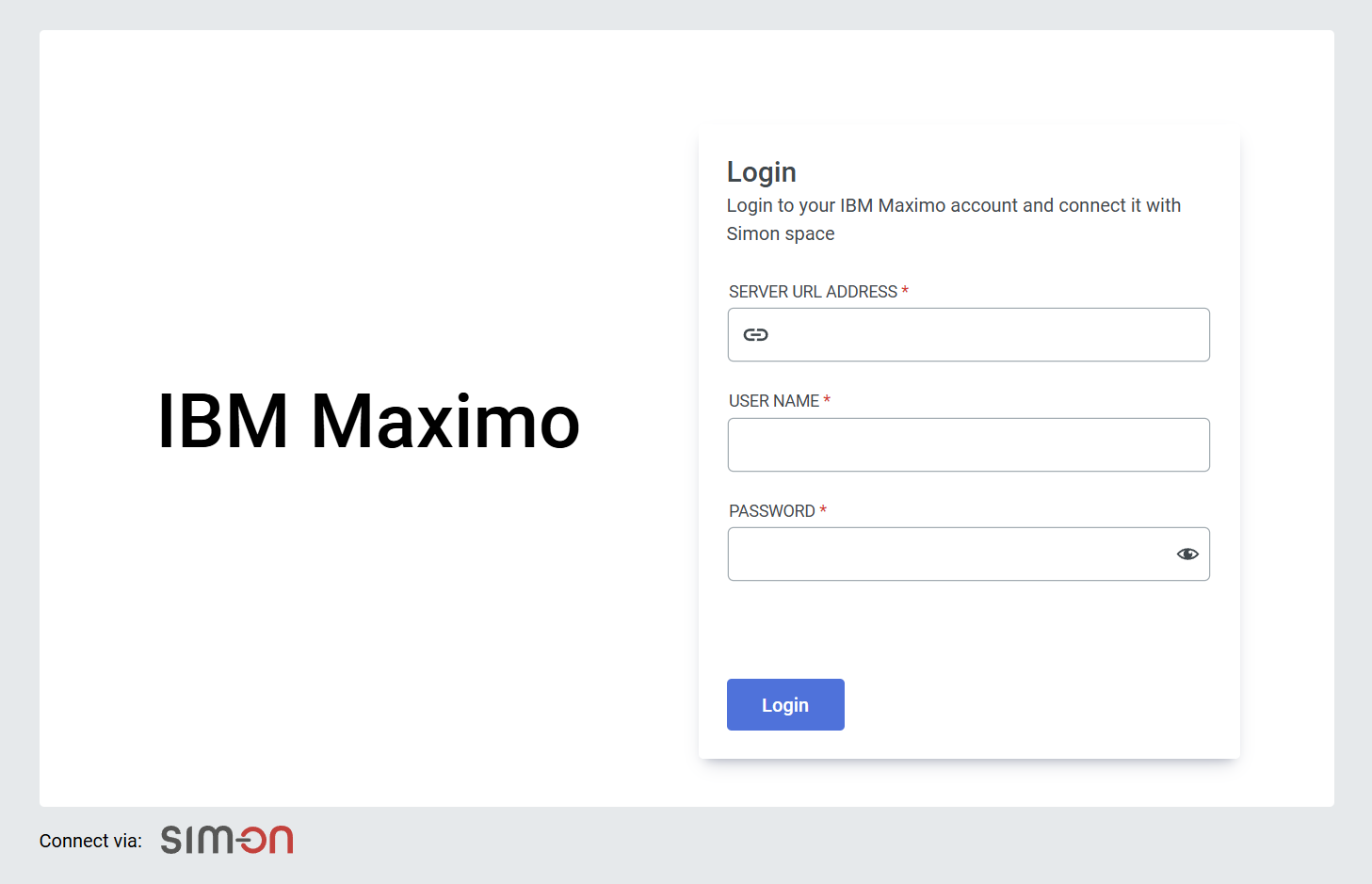
2\. Login with your IBM Maximo account
3\. Select the Organization and Site, then finalize with "connect"
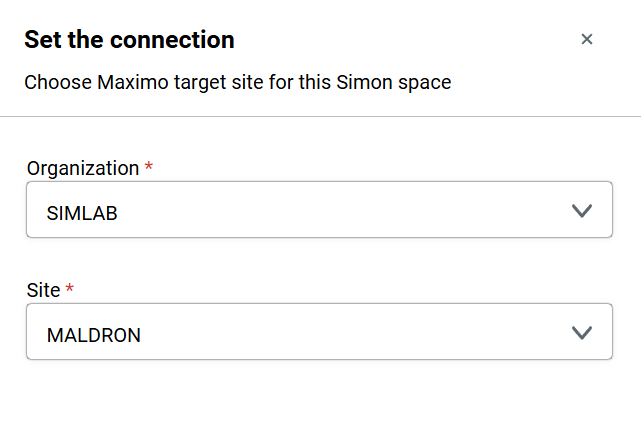
Connecting with Maximo lets you seamlessly link assets to the Sim-On environment. Browse these assets in the IBM Maximo specific [**Dashboard**](https://docs.sim-on.com/books/3-app-overview/chapter/dashboard) page: [**Resources**](https://docs.sim-on.com/books/3-app-overview/page/resources).

Additionally, with IBM Maximo comes a special feature for **Assets** in Sim-on: **linking** with IBM Maximo devices.
See [**IBM Maximo Asset Link**](https://docs.sim-on.com/link/136#bkmrk--1) feature and [**Resources**](https://docs.sim-on.com/books/3-app-overview/page/resources) pages to learn more