# Space Creation

A New Space is created from My Spaces view.

![image.png](https://docs.sim-on.com/uploads/images/gallery/2026-11/scaled-1680-/oXIimage.png)

---

<table border="1" id="bkmrk-adding-space-clickin" style="border-collapse: collapse; width: 100%; border-width: 1px; border-style: hidden;"><colgroup><col style="width: 50%;"></col><col style="width: 50%;"></col></colgroup><tbody><tr><td style="border-width: 1px;">##### **Adding Space**

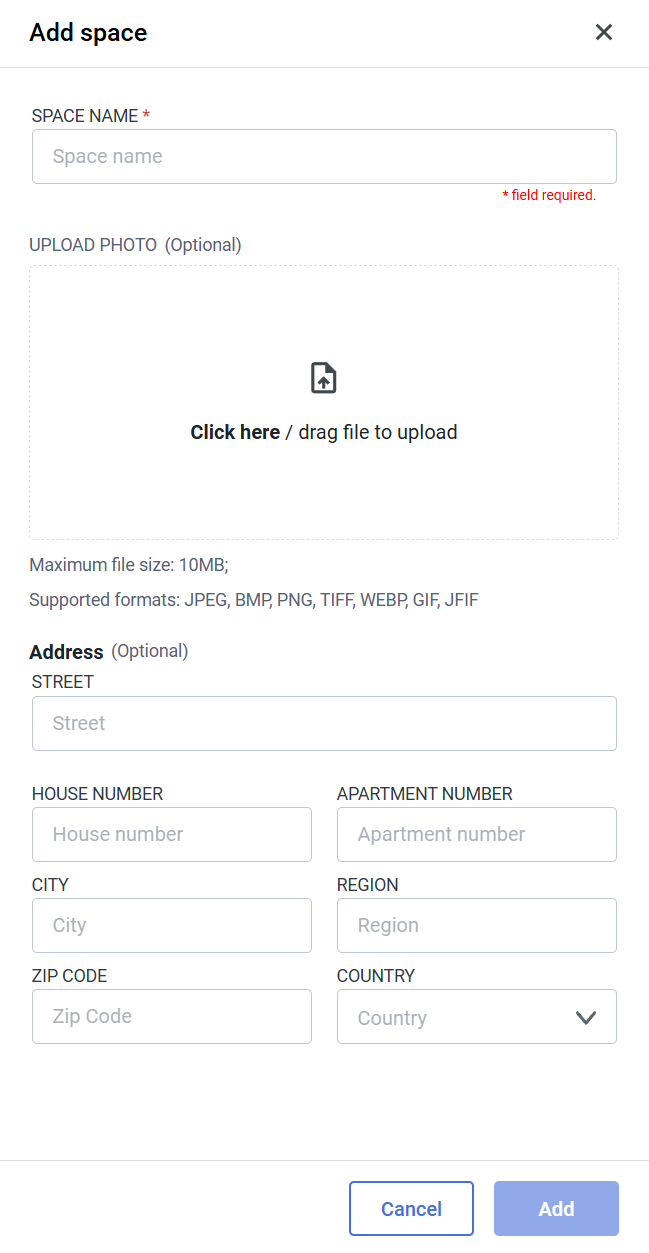
Clicking on the ![image.png](https://docs.sim-on.com/uploads/images/gallery/2026-11/scaled-1680-/gyXimage.png) button reveals the side menu:

Here we'll set the most basic Information of the space:

- Space Name **<span style="color: rgb(224, 62, 45);">\*</span>**
- Thumbnail

**Address**

- Street
- House Number
- Apartment Number
- City
- Region
- ZIP Code
- Country

<p class="callout warning">  
Only the **SPACE NAME <span style="color: rgb(224, 62, 45);">\*</span>** is required   
to proceed with space creation  
  
</p>

<p class="callout info">  
You can edit all of the information from here,  
at a later time, from **Space Settings** </p>

<p class="callout success">With **SPACE NAME** set, you can press the ![image.png](https://docs.sim-on.com/uploads/images/gallery/2026-11/scaled-1680-/ZCCimage.png) button and finalize the Space creation process  

  
</p>

</td><td style="border-width: 1px;">![image.png](https://docs.sim-on.com/uploads/images/gallery/2026-11/scaled-1680-/Kglimage.png)

</td></tr></tbody></table>

---

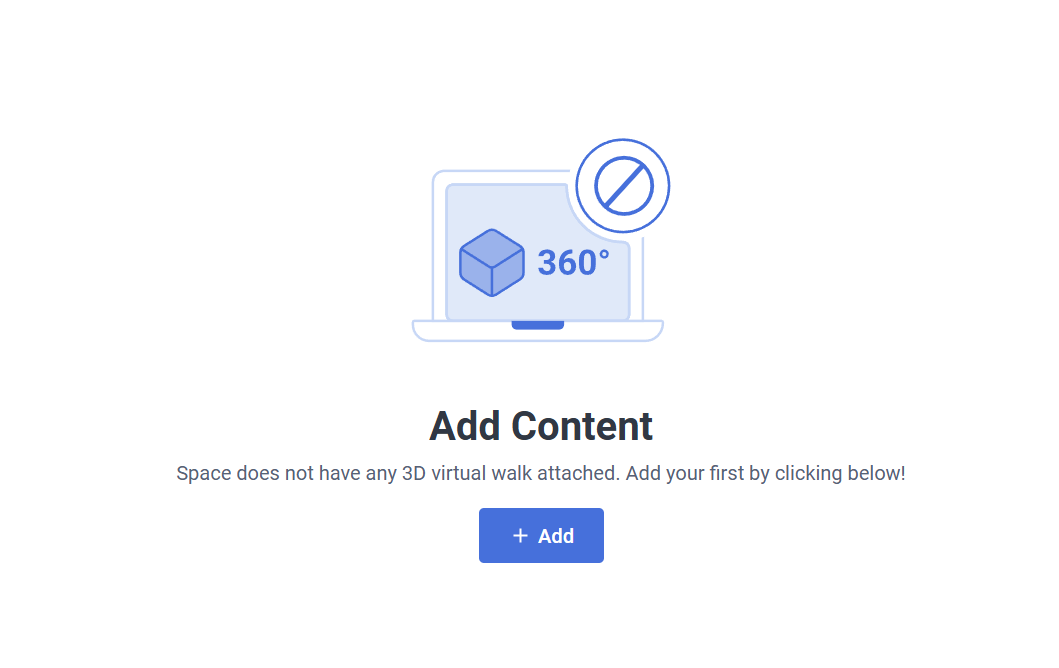
<p class="callout info">The newly created Space is Empty. We'll go through adding some of the features in the following pages</p>

<table border="1" id="bkmrk--4" style="border-collapse: collapse; width: 100%; border-width: 0px;"><colgroup><col style="width: 50%;"></col><col style="width: 50%;"></col></colgroup><tbody><tr><td style="border-width: 0px;">![image.png](https://docs.sim-on.com/uploads/images/gallery/2026-11/scaled-1680-/HcLimage.png)</td><td style="border-width: 0px;">![image.png](https://docs.sim-on.com/uploads/images/gallery/2026-11/scaled-1680-/Kweimage.png)

</td></tr><tr><td style="border-width: 0px;">![image.png](https://docs.sim-on.com/uploads/images/gallery/2026-11/scaled-1680-/Cljimage.png)

</td><td style="border-width: 0px;">![image.png](https://docs.sim-on.com/uploads/images/gallery/2026-11/scaled-1680-/LEpimage.png)

</td></tr></tbody></table>