Home Screen
The main starting interface of SIM-ON, providing quick access to all available spaces, - assets, tasks, events, checklists, contractors and documents.
It serves as the central hub for users to begin and manage their workspace.
My Spaces
When you launch SIM-ON, you start in the Spaces view, it includes all the spaces you have access to.

To access the Spaces screen at any point while working on a SIM-ON space, select the My Spaces option
located in the Side Panel menu
From this screen you can access other views from the side menu:
 |
|
 |
We'll go through each of the view in the following pages of this chapter
Assets
View, sort, filter - Manage every Asset within all of the available Spaces
This is a centralized view for all Assets in Spaces

See Asset page in Dashboard chapter for comprehensive feature description
Tasks
Create, manage and assign tasks for users in all of available Spaces.
This is a centralized view for all Tasks in Spaces

See Tasks Page in Dashboard Chapter for comprehensive feature description.
Events
Track maintenance schedules, equipment updates, past actions, ongoing tasks and upcoming activities within all of the available Spaces.
This is a centralized view for all Events in Spaces

See Events Page in Dashboard Chapter for comprehensive feature description
Calendar
A unified calendar that displays tasks and events from every space, in a tile-based layout, allowing users to view, organize, and manage them in one, centralized place.

Create both Events and Tasks directly from this view with  button.
See tasks and events pages for detailed information about their creation process
Navigation


Calendar Display
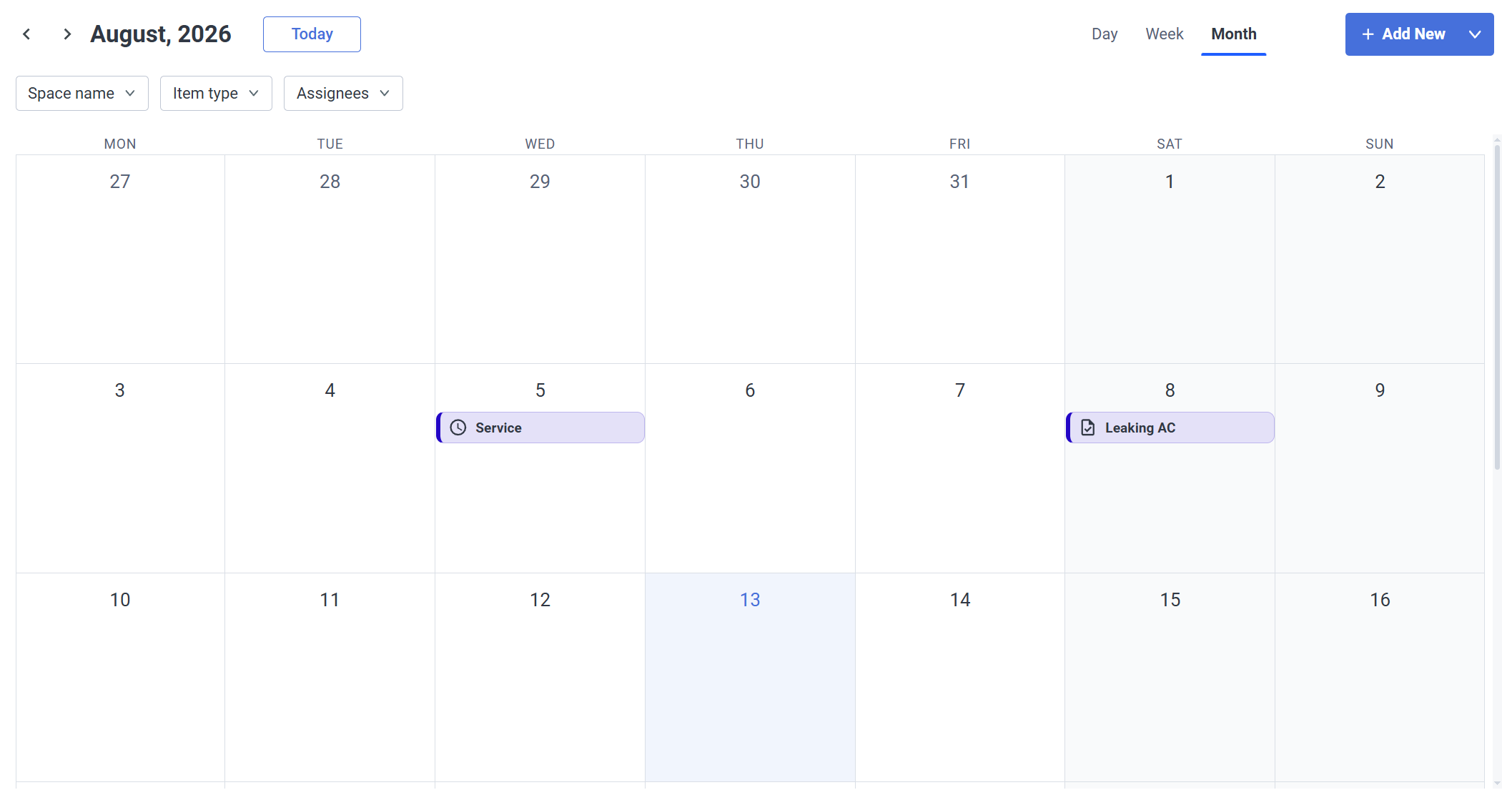
You can change the Calendar display type depending on your needs: choose one of the three available ones:
- Month
The most general one - events and tasks are shown per day
- Week
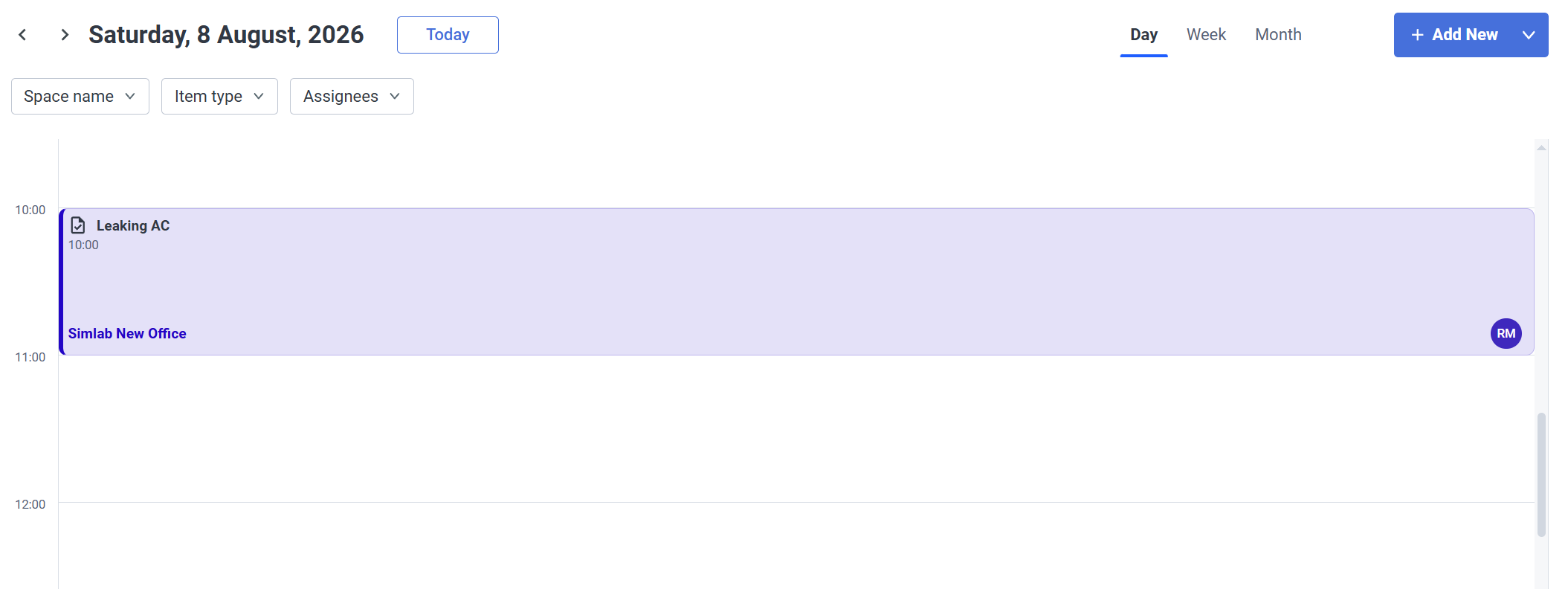
A more detailed view - Limiting the view to a week, includes a timetable for the events/tasks where you can see an exactly scheduled time for them.

- Day
Same as with the week view, but now it's only a single day
Filters

|
|
|
Checklists
A feature for creating, organizing, and managing checklists, helping users track progress and complete activities efficiently.

|
Checklists are templates that need to be assigned to Assets and since they are templates, they can be reused between multiple assets.
|
An example of a checklist.
|


Filters

|
|
|
|


Contractors
A feature for creating, organizing, and managing a list of contractors, making it easy to keep contact information and project-related details in one place.
Quickly narrow the contractor list by service type, their rate, or rating to find the most suitable professionals.

|
Contractor Profile Creation
|
Example Contractor Profile
|


Filters

|
|
|
|
|

Documents
View and manage all of the uploaded files to the space: Images, Videos, audio files, text files. Create Folders and upload new files from a single centralized view, without opening spaces.
Spaces
Choose from available spaces to browse the files

Documents view
Every file uploaded to the space can be accessed from here wither with list view as seen above, or with tile view.

For an extensive Documents view features and descriptions see dedicated Documents page