To access the **Spaces** screen at any point while working on a **SIM-ON** space, select the [**My Spaces**](https://docs.sim-on.com/link/147#bkmrk-browse-spaces) option located in the [Side Panel](https://docs.sim-on.com/link/147#bkmrk-side-panel "Side Bar") menu
--- From this screen you can access other views from the side menu:| 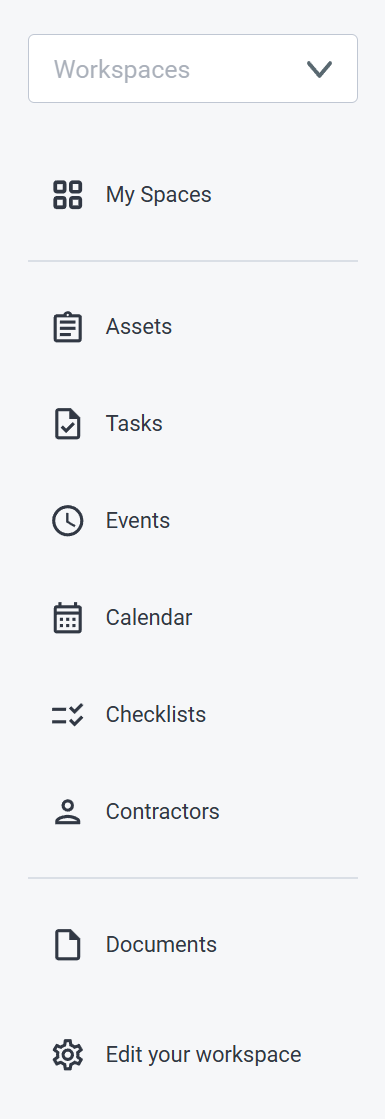 | - Filter available resources (spaces, tasks, assets etc.) by chosen **Workspaces** - View and access available **Spaces** --- - Add and manage **Assets** in the **Spaces** - Manage every **Task** from a single view - List of all of the **Events** in the **Spaces** - View **Tasks** and **Events** in the calendar view - Create and manage **Checklists** for **Workspaces** - Add and manage **Contractors** and their information, within **Workspaces** --- - List of every file (text files, images, videos, audio) within a **Space** - Manage user **Permissions** within your **Workspace** or change it's name | 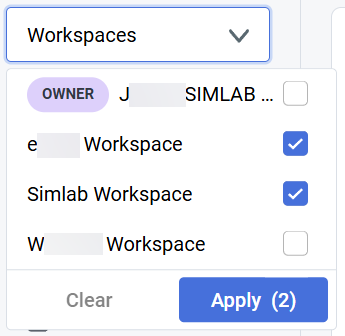 |
See **[Asset page](https://docs.sim-on.com/books/3-app-overview/page/assets)** in **Dashboard chapter** for comprehensive feature description
# Tasks Create, manage and assign tasks for users in all of available **Spaces**. This is a centralized view for all Tasks in Spaces 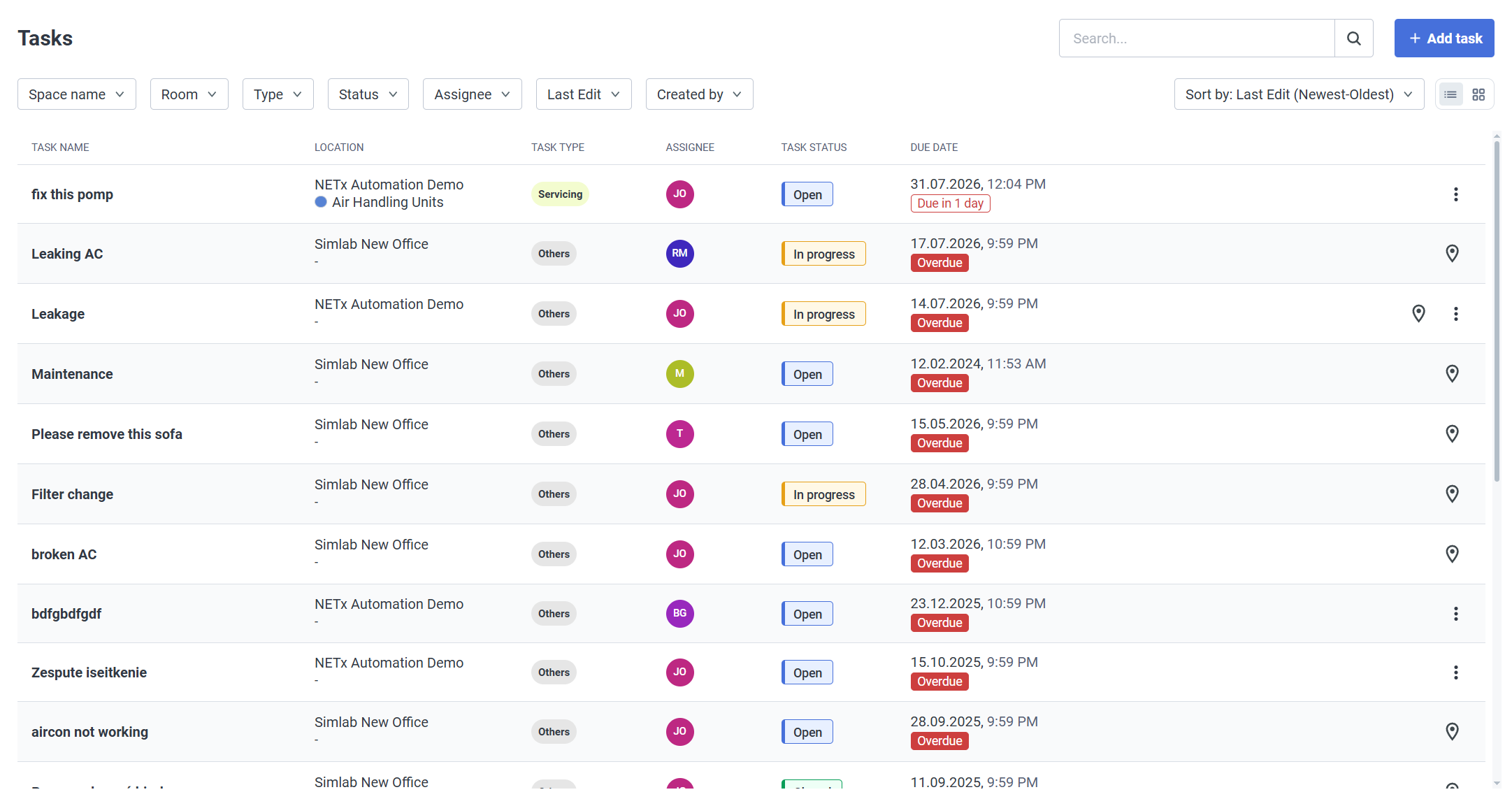See [**Tasks Page**](https://docs.sim-on.com/books/3-app-overview/page/tasks-2Gf) in **Dashboard Chapter** for comprehensive feature description.
# Events Track maintenance schedules, equipment updates, past actions, ongoing tasks and upcoming activities within all of the available **Spaces**. This is a centralized view for all Events in Spaces See [**Events Page**](https://docs.sim-on.com/books/3-app-overview/page/events-x9f) in **Dashboard Chapter** for comprehensive feature description
# Calendar A unified calendar that displays **[tasks](https://docs.sim-on.com/books/3-app-overview/page/tasks-2Gf)** and [**events**](https://docs.sim-on.com/books/3-app-overview/page/events-x9f) from every **space**, in a tile-based layout, allowing users to view, organize, and manage them in one, centralized place. 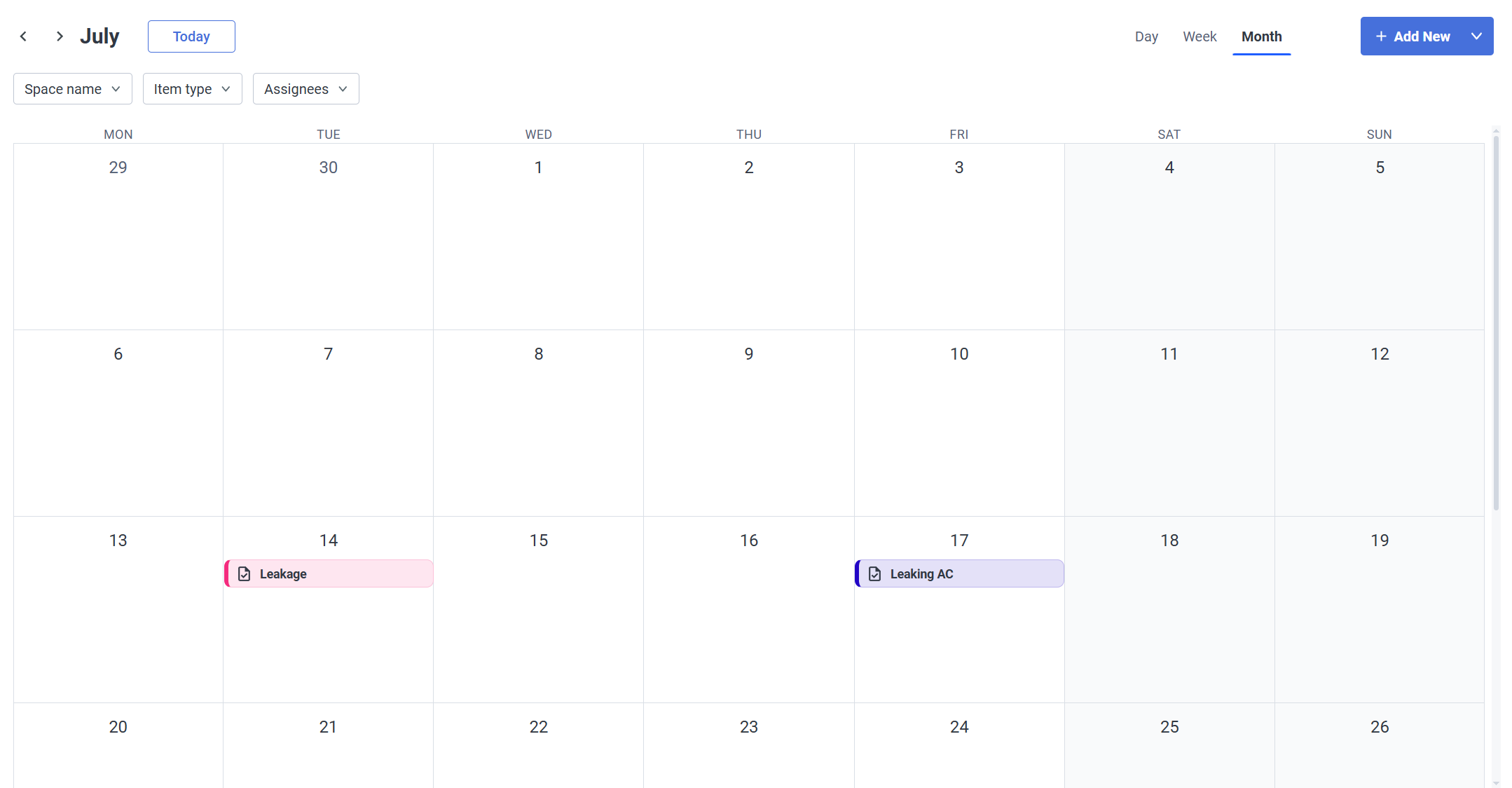 Create both **Events** and **Tasks** directly from this view with  button.See **[tasks](https://docs.sim-on.com/books/3-app-overview/page/tasks-2Gf)** and [**events**](https://docs.sim-on.com/books/3-app-overview/page/events-x9f) pages for detailed information about their creation process
--- #### **Navigation** **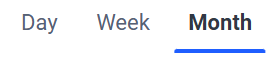** To navigate the Calendar, you can change the **display type** in the **upper right corner**. Depending on your choice you can then select a specific time (*in this case month*) you want to see - using left and right arrows in the **upper left corner**, or jump to the current day by clicking "Today" button. ##### Calendar Display You can change the Calendar display type depending on your needs: choose one of the three available ones: **- Month** The most general one - events and tasks are shown per day [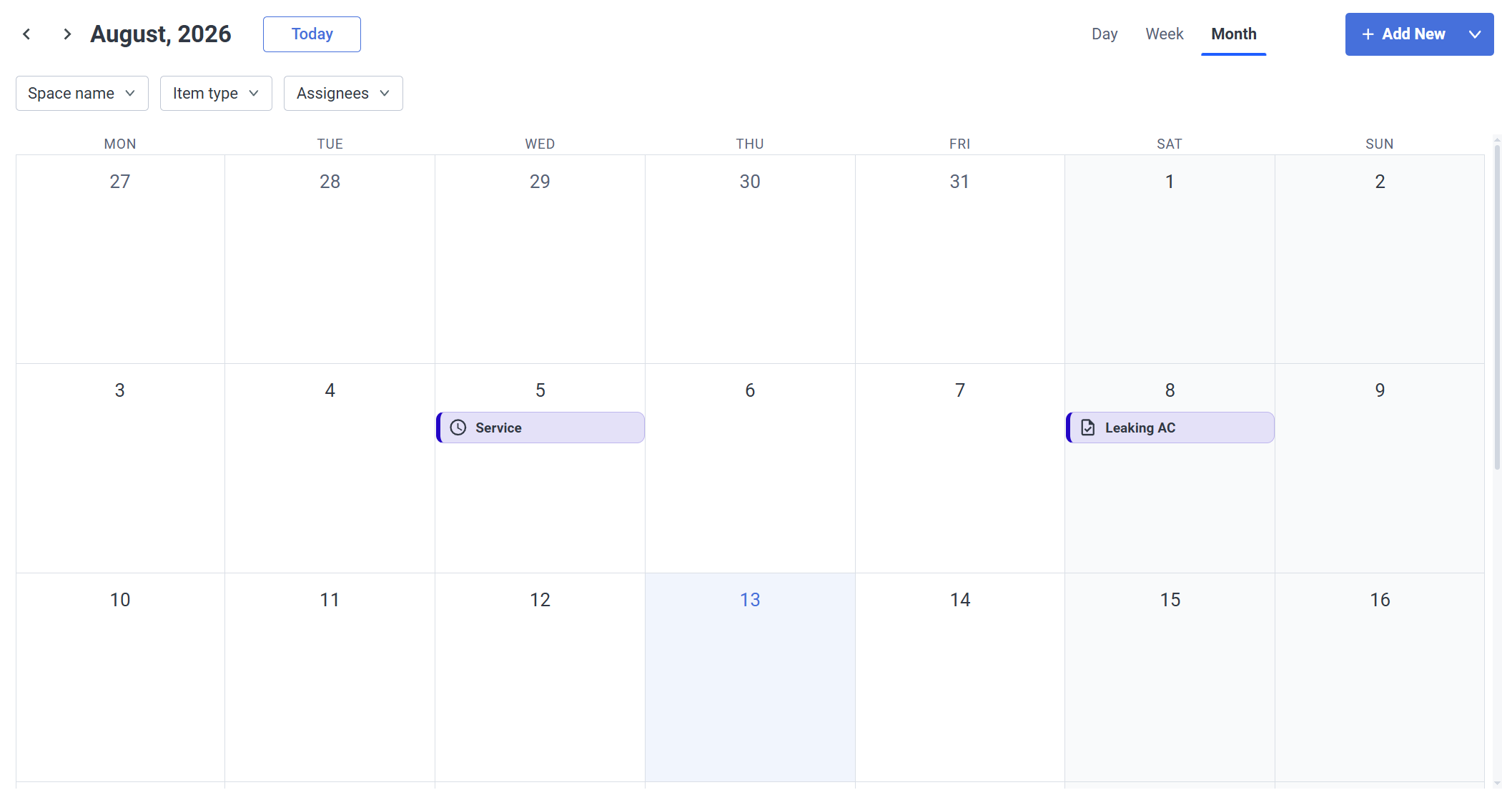](https://docs.sim-on.com/uploads/images/gallery/2026-08/ozkimage.png) **- Week** A more detailed view - Limiting the view to a week, includes a timetable for the events/tasks where you can see an exactly scheduled time for them. 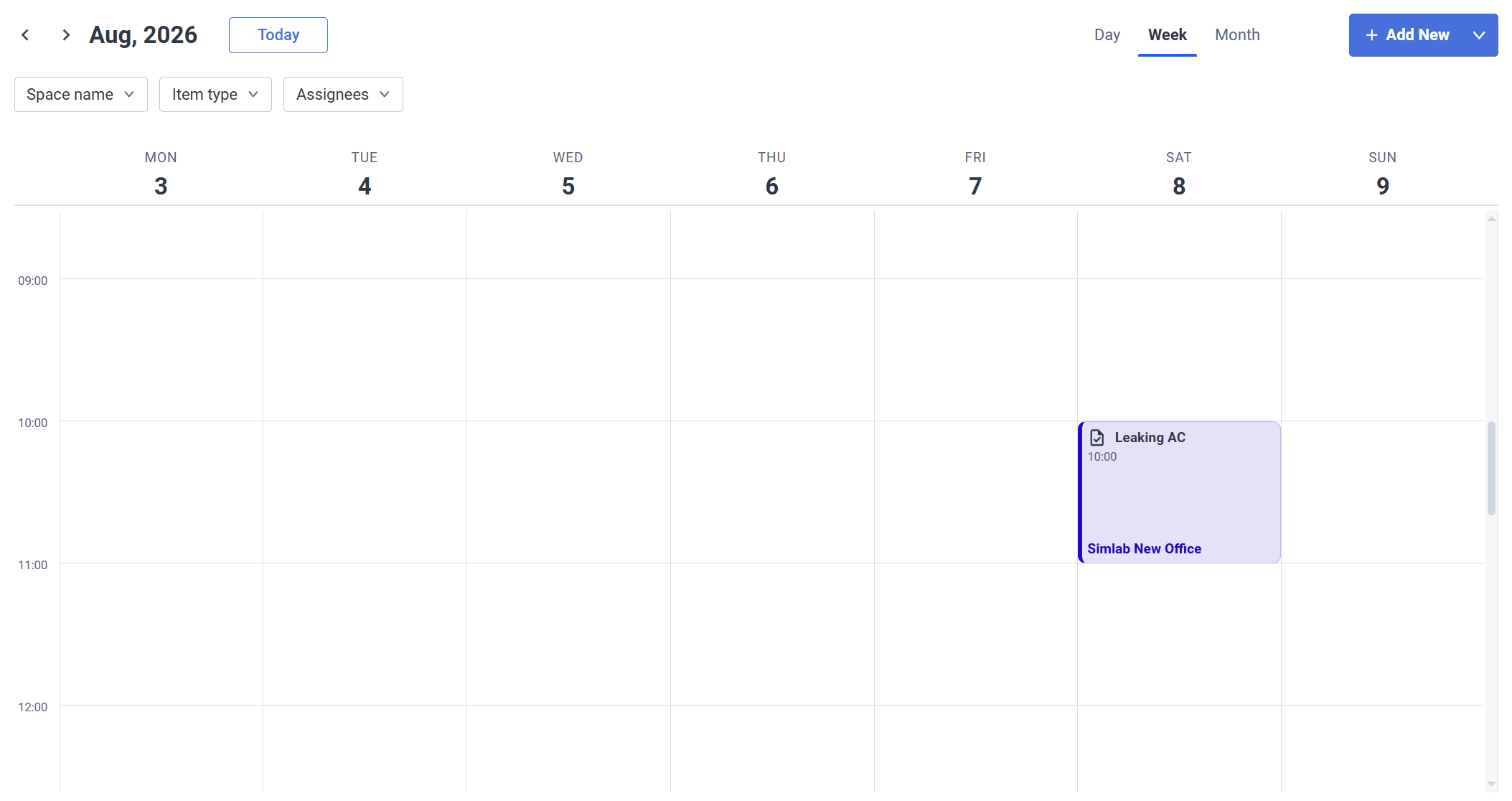 **- Day** Same as with the week view, but now it's only a single day [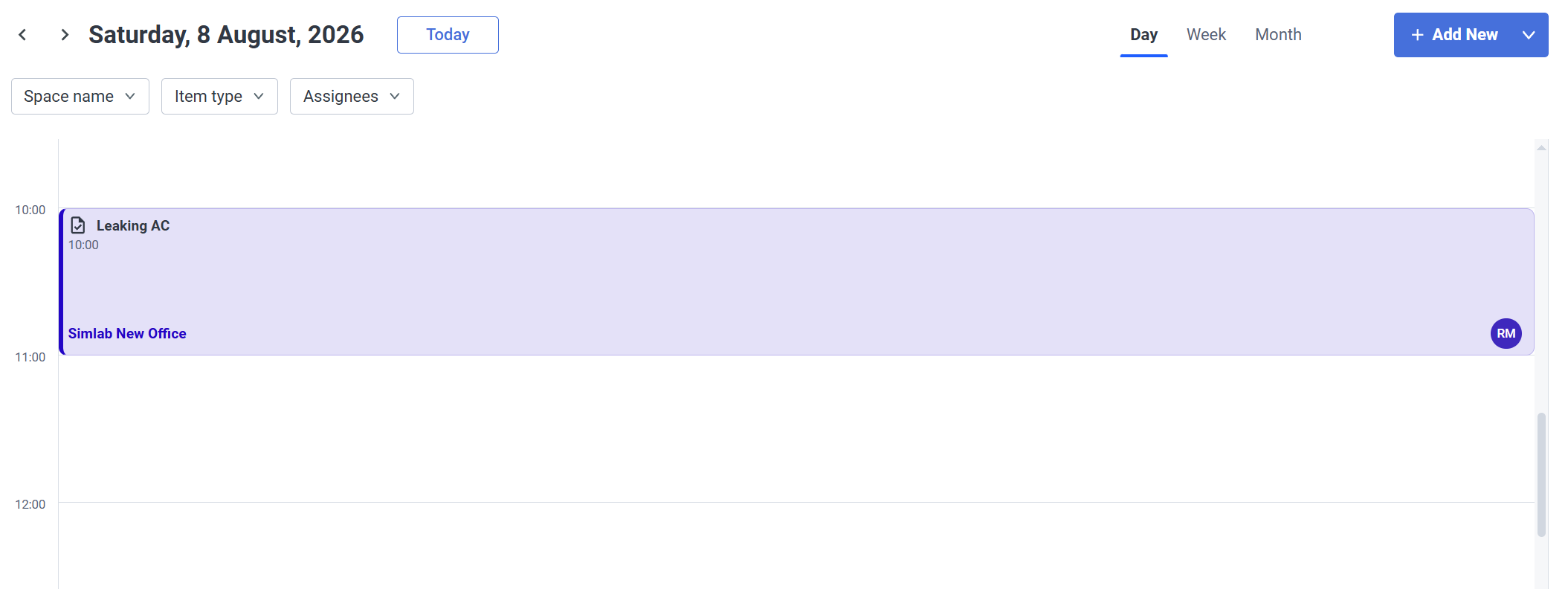](https://docs.sim-on.com/uploads/images/gallery/2026-08/XA3image.png) --- #### **Filters** | - **Space name -** Show events and tasks for specific Spaces | - **Item type -** show tasks or events specifically | - **Assignees -** Show tasks and/or events for specific people they are assigned to |
| Checklists are templates that need to be assigned to **Assets** and since they are templates, they can be reused between multiple assets. 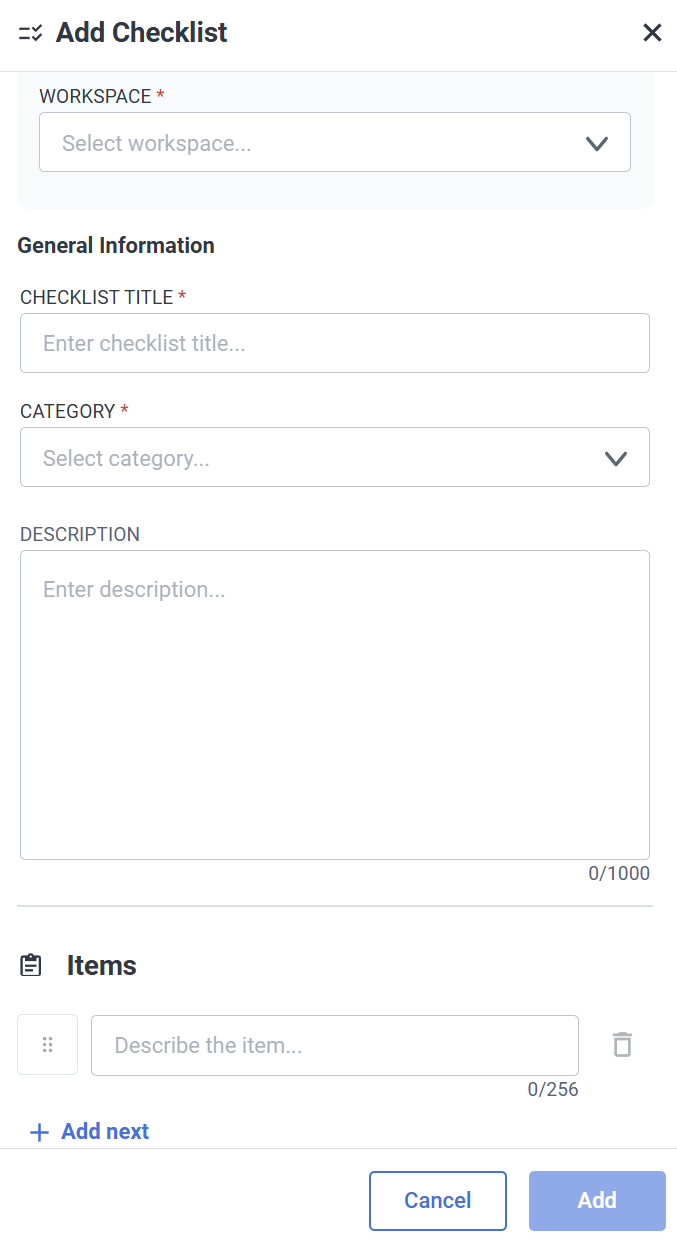 | An example of a checklist. 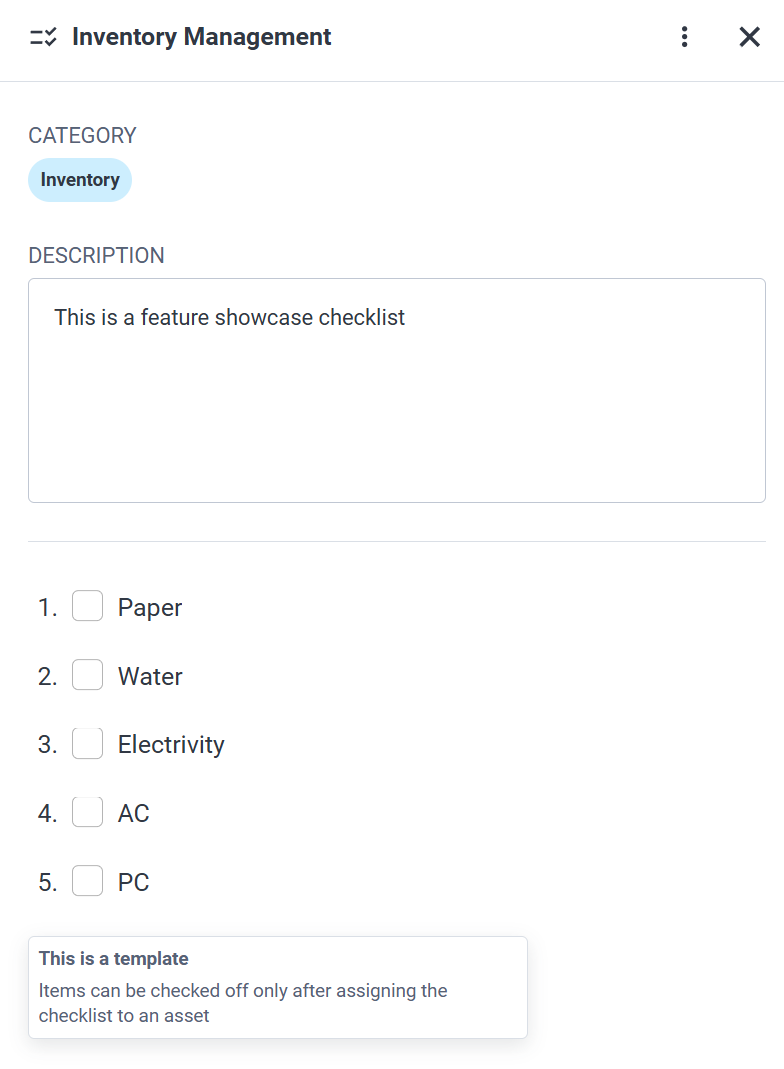 |
| - **Category** - Here you can limit checklists to a specific type. 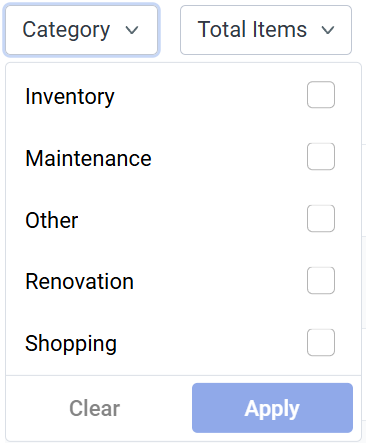 | - **Total Items** - Lets you filter checklists by the amount of items in it 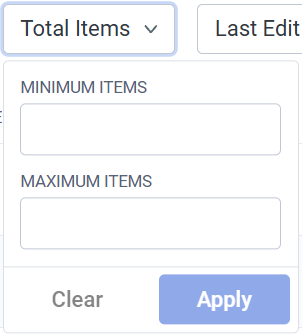 ** ** | - **Last Edit** - Limit shown assets by the date of it's last edit - up to 30 days 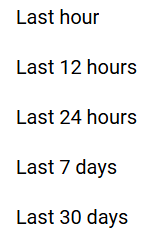 ** ** | - **Created by **- By asset author |
| **Contractor Profile Creation** 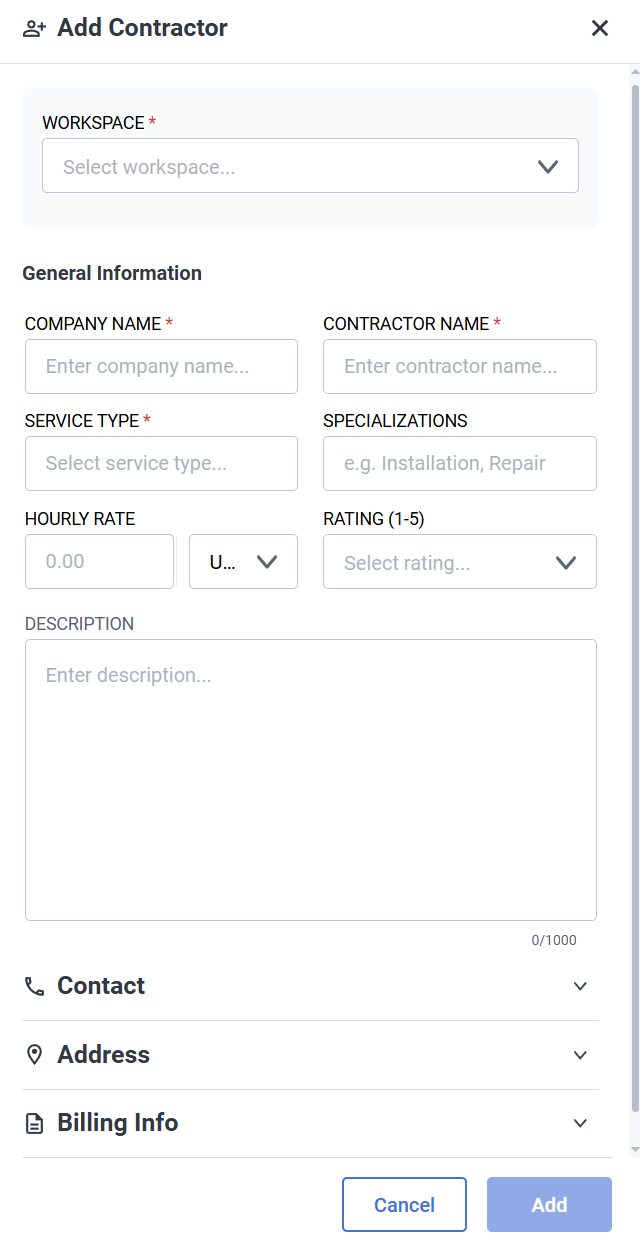 | **Example Contractor Profile** 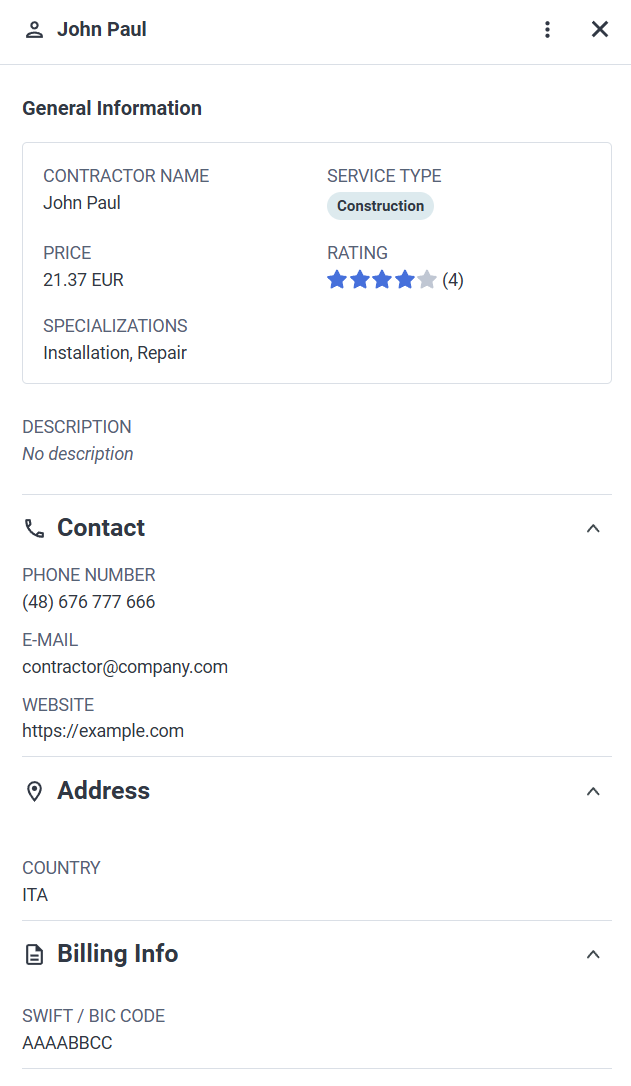 |
| - **Service Type** - Filter contractors by their service type - Service type is set during contractor creation and will be displayed accordingly | - **Rate** - Lets you filter contractors by their rate 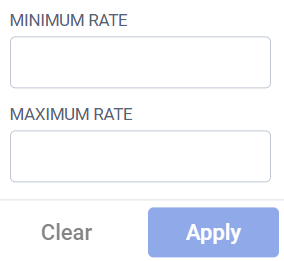 ** ** | - **Rating**- Lets you filter contractors by their rating | - **Last Edit** - Limit shown assets by the date of it's last edit - up to 30 days  ** ** | - **Created by **- By asset author |
For an extensive Documents view features and descriptions see dedicated [**Documents**](https://docs.sim-on.com/books/3-app-overview/page/documents-NxI) page