Providers
A section for viewing and managing provider connections, including connected hubs, linked devices, and available devices that can be linked or configured.
Connections
The Connections tab displays all the 3rd party HUBs that are currently connected to your space. From this view you can add or remove HUB connections.
|
|
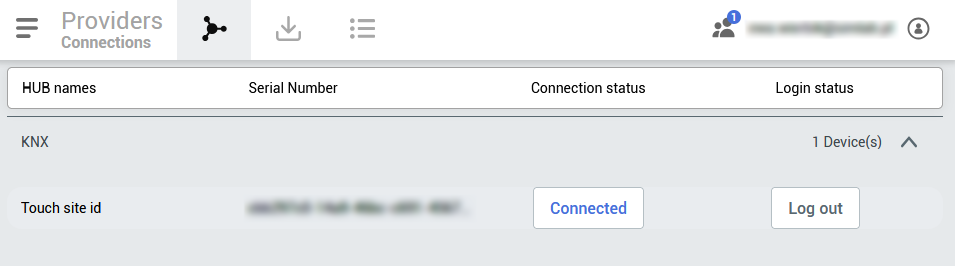 |
The connected HUBs listed here will be automatically sorted to corresponding families they belong to. HUB names will be displayed here together with serial numbers of the HUB. Additionally you can check whether the HUB is currently online and toggle its status manually.
Import device
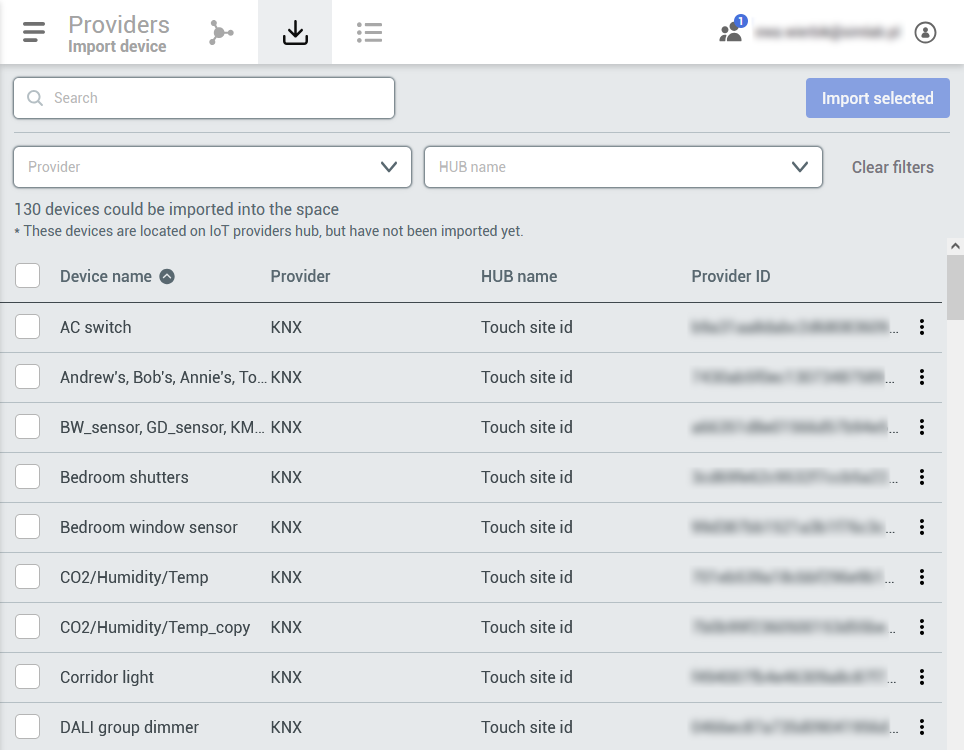
In this tab will be displayed all the devices from the Connected HUBs that are not yet imported to the SIMON device list. Here you will be able to search and filter the devices by provider, hub and name. To further locate the desired device
|
|
 |
Device list

All the linked devices will be available here. From this tab you’ll be able to check the status of the device, which HUB it belongs to, the Provider family and assigned room of the device.