
Homey
1. To connect Homey provider, after creating a Project Space - navigate to the Providers view -> Connections page from the Left Side Panel. Click  button and select Homey from available providers (you'll be redirected to the provider web page.)
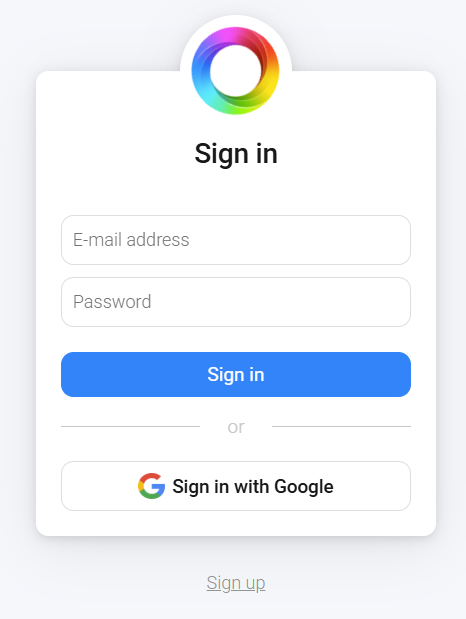
2. Login with your Homey account:
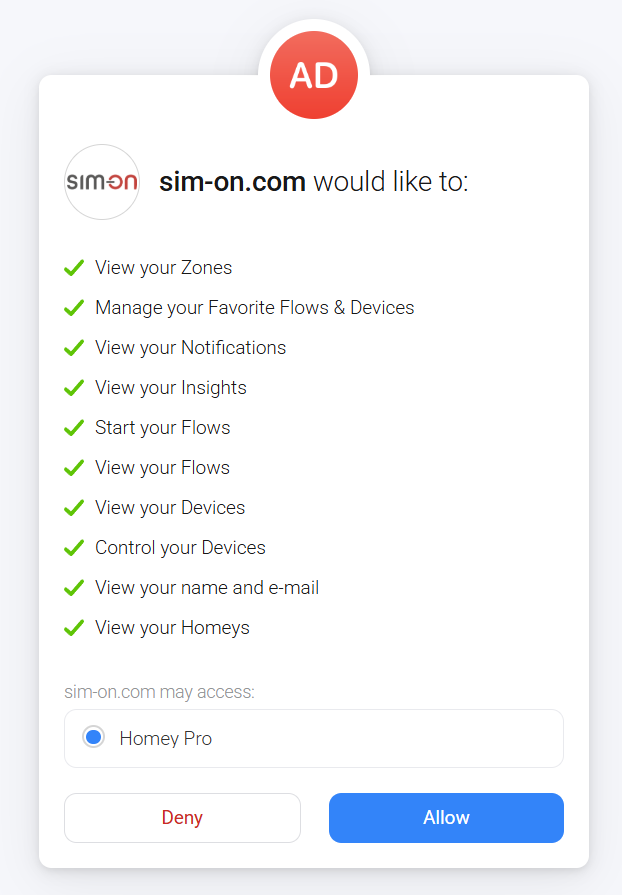
3. Allow the following permissions for both apps:
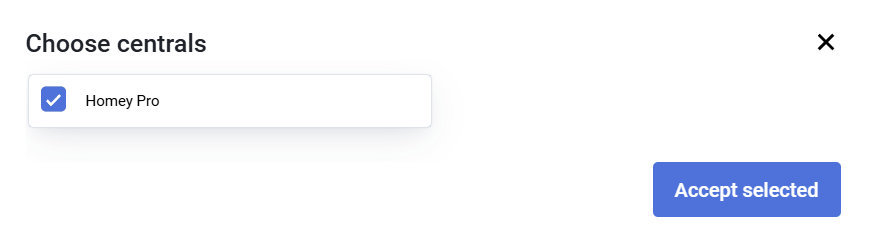
4. Select your central unit for pairing:
Now you can add and manage your Homey devices within the Sim-on