
Calendar
A unified calendar that displays tasks and events from every space, in a tile-based layout, allowing users to view, organize, and manage them in one, centralized place.
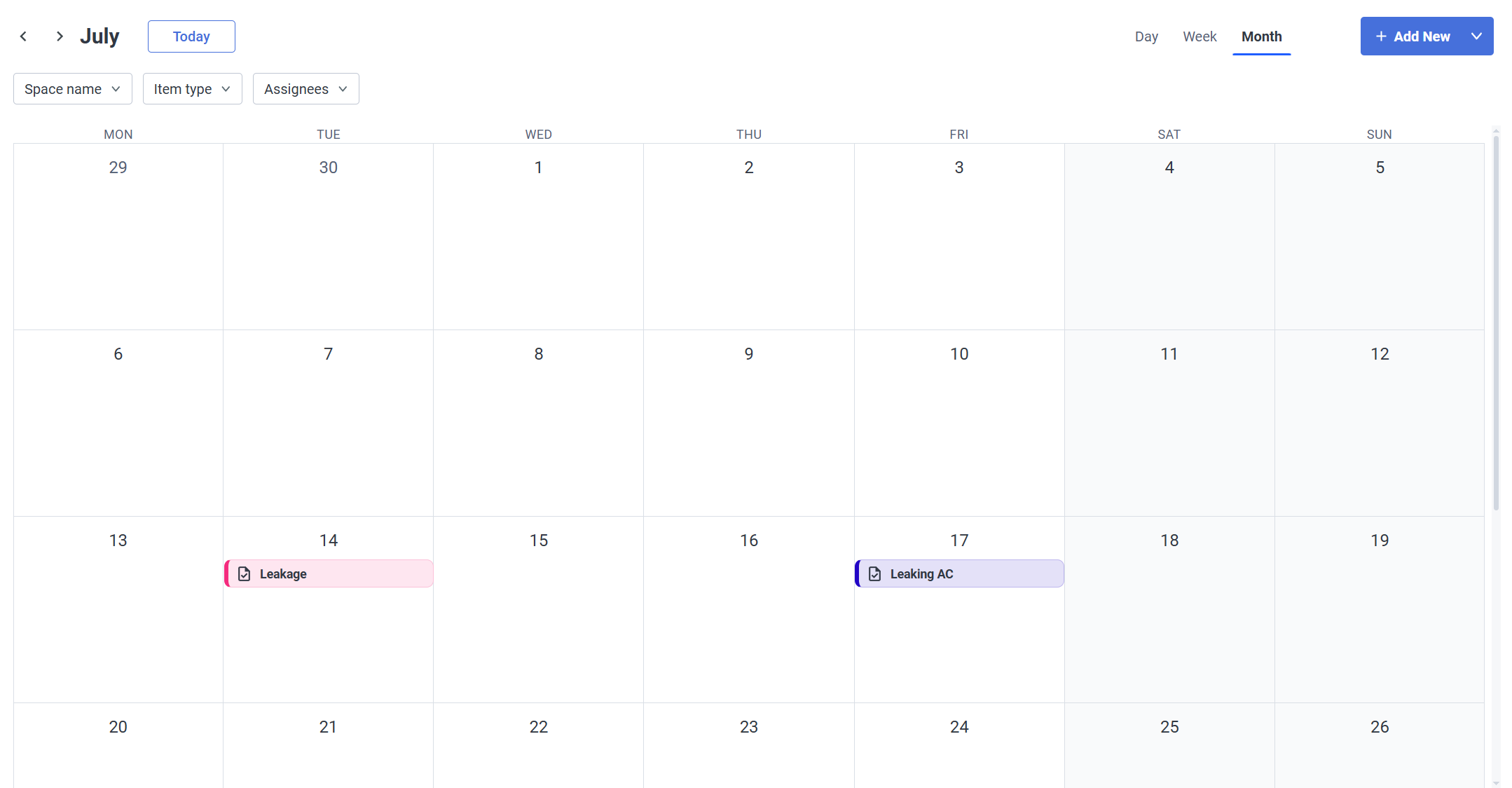
Create both Events and Tasks directly from this view with  button.
See tasks and events pages for detailed information about their creation process
Navigation


Calendar Display
You can change the Calendar display type depending on your needs: choose one of the three available ones:
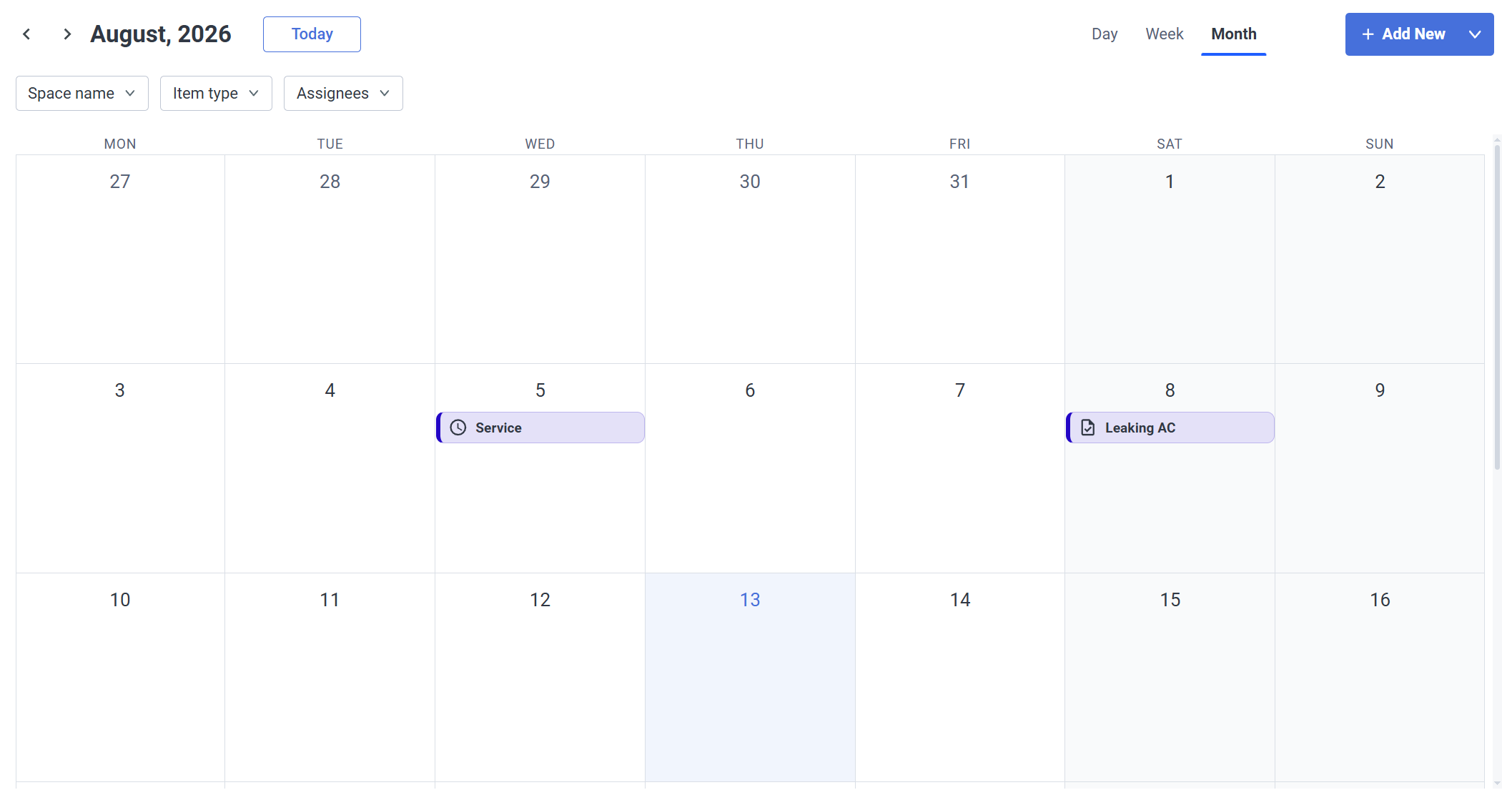
- Month
The most general one - events and tasks are shown per day
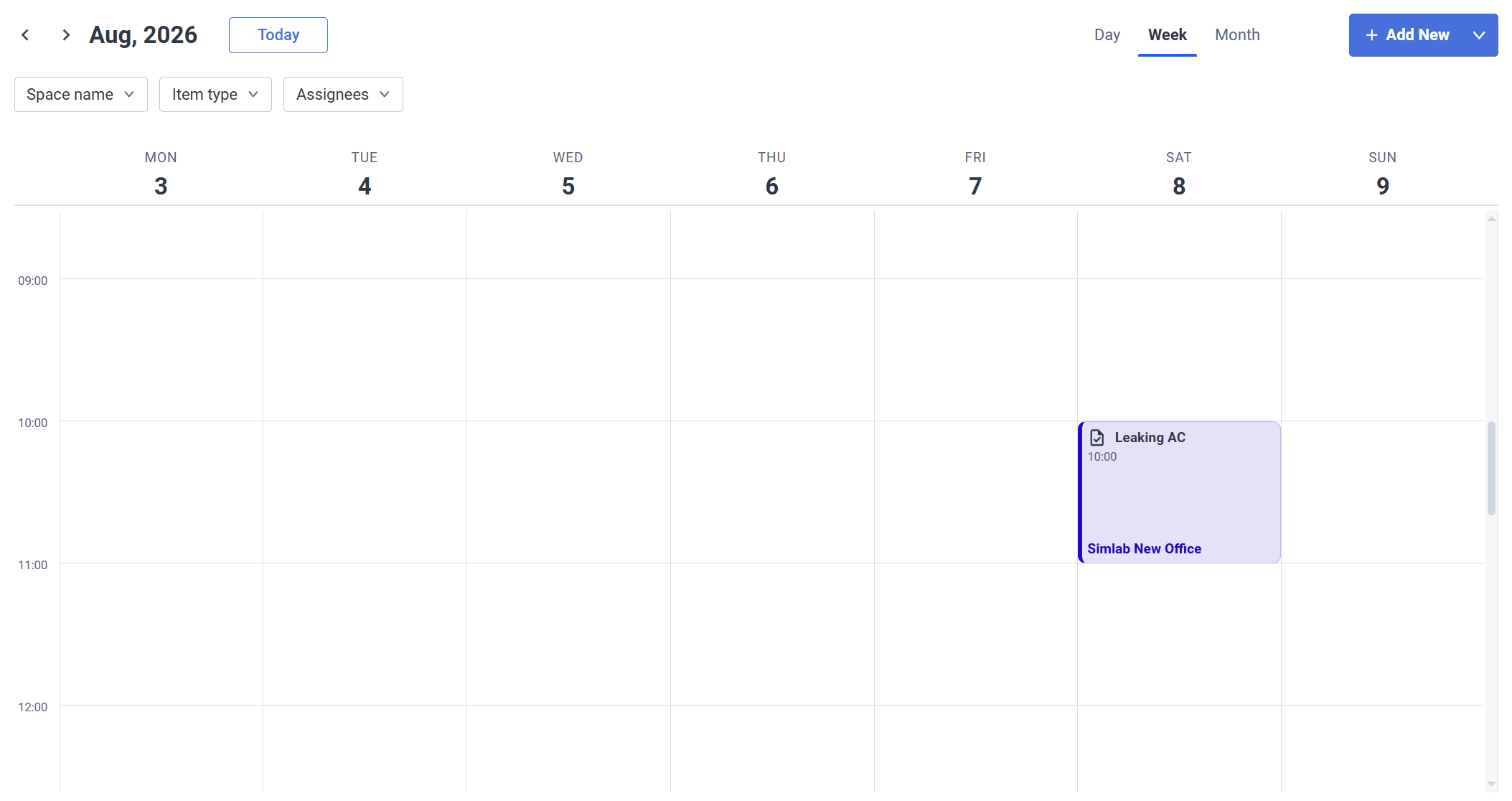
- Week
A more detailed view - Limiting the view to a week, includes a timetable for the events/tasks where you can see an exactly scheduled time for them.
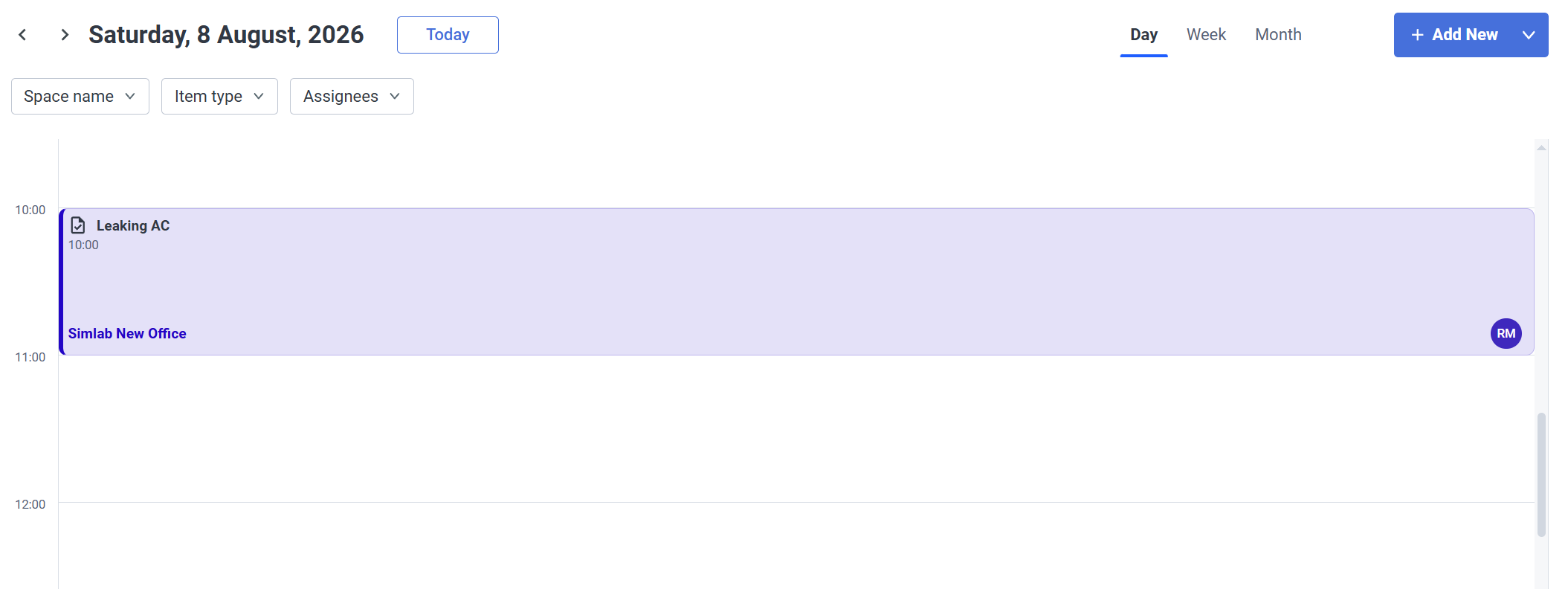
- Day
Same as with the week view, but now it's only a single day
Filters

|
|
|