My Spaces
When you launch SIM-ON, you start in the Spaces view, it includes all the spaces you have access to.
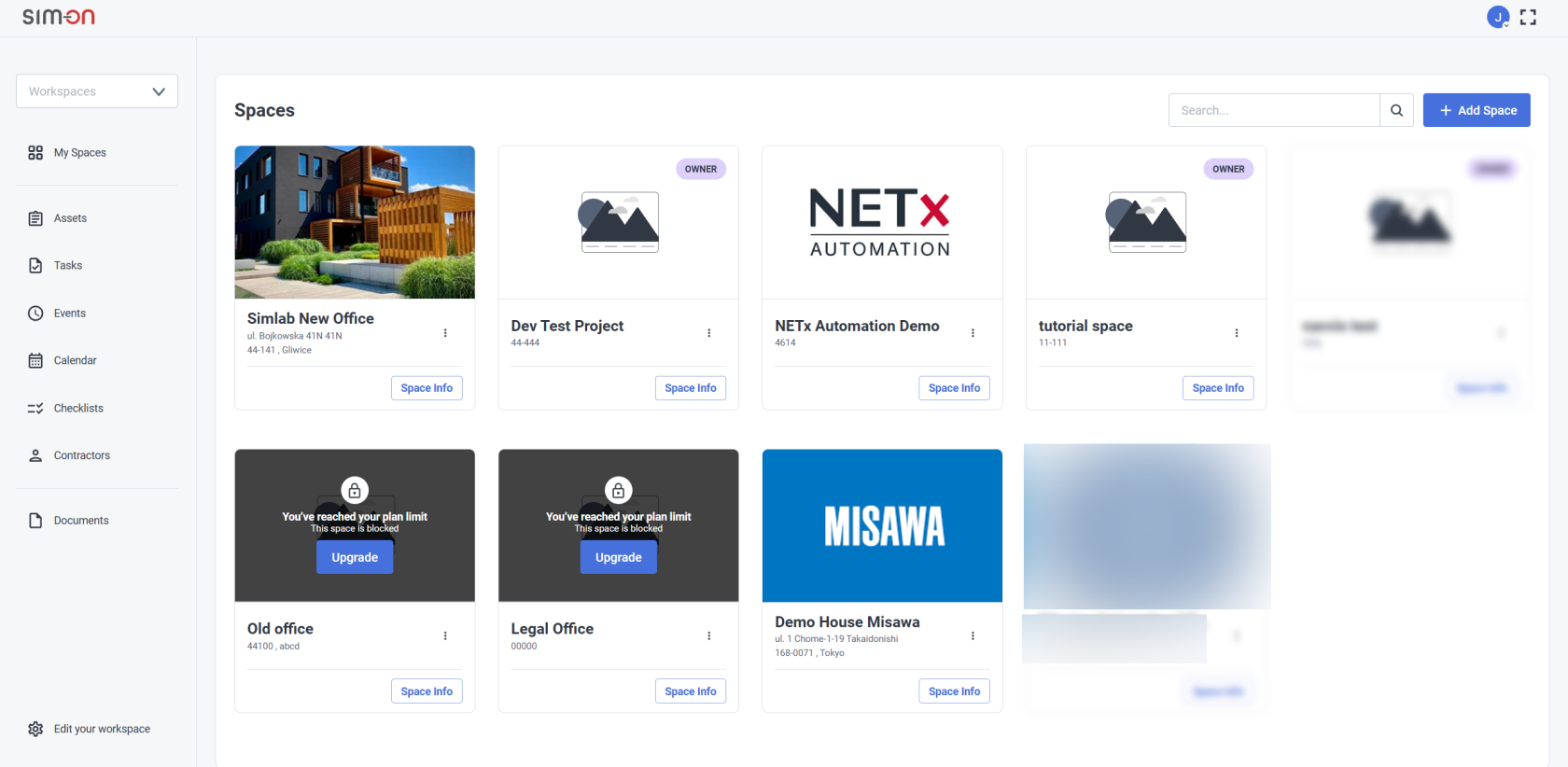
To access the Spaces screen at any point while working on a SIM-ON space, select the My Spaces option
located in the Side Panel menu
From this screen you can access other views from the side menu:
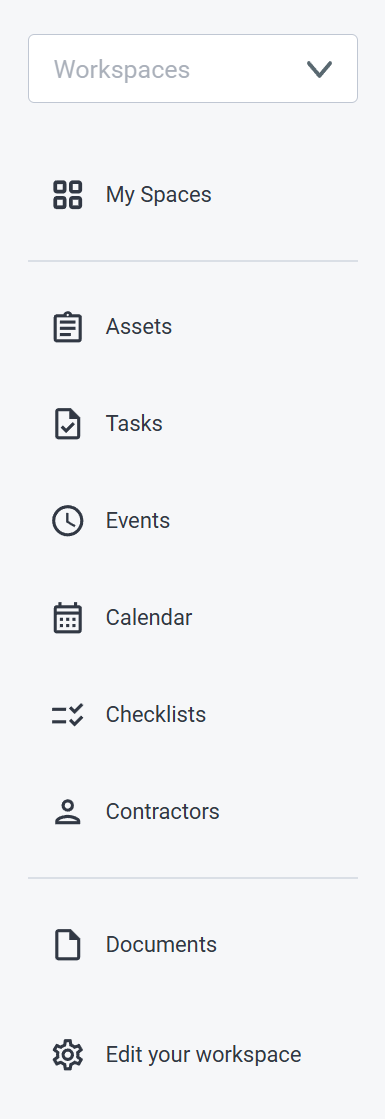 |
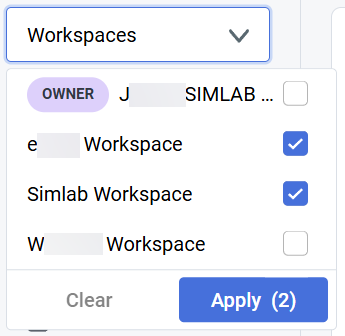
- Filter available resources (spaces, tasks, assets etc.) by chosen Workspaces
- View and access available Spaces
- Add and manage Assets in the Spaces
- Manage every Task from a single view
- List of all of the Events in the Spaces
- View Tasks and Events in the calendar view
- Create and manage Checklists
for Workspaces
- Add and manage Contractors and their
information, within Workspaces
- List of every file (text files, images, videos, audio) within a Space
- Manage user Permissions within your Workspace or change it's name
|
 |
We'll go through each of the view in the following pages of this chapter
