Documents
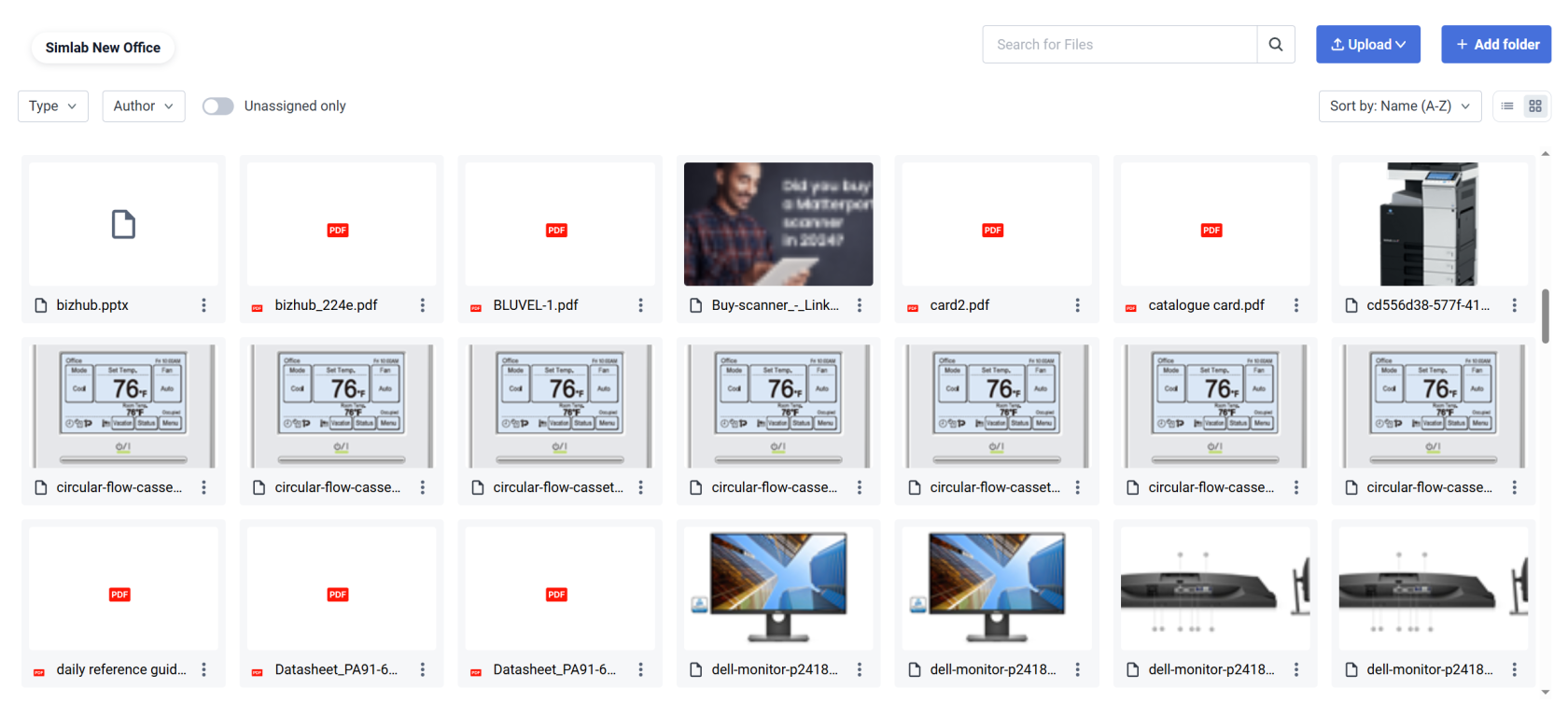
Manage every external file - images, videos, text files, sound files, uploaded into the space.
Create folders for easier file management within the project space, upload files first, assign them later.
Upload
Using the upload button located in the top right corner of the view lets you import multiple individual files or entire folders.
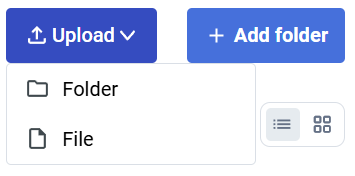
If you want to create an empty folder - to sort existing files, choose the  button.
Filters
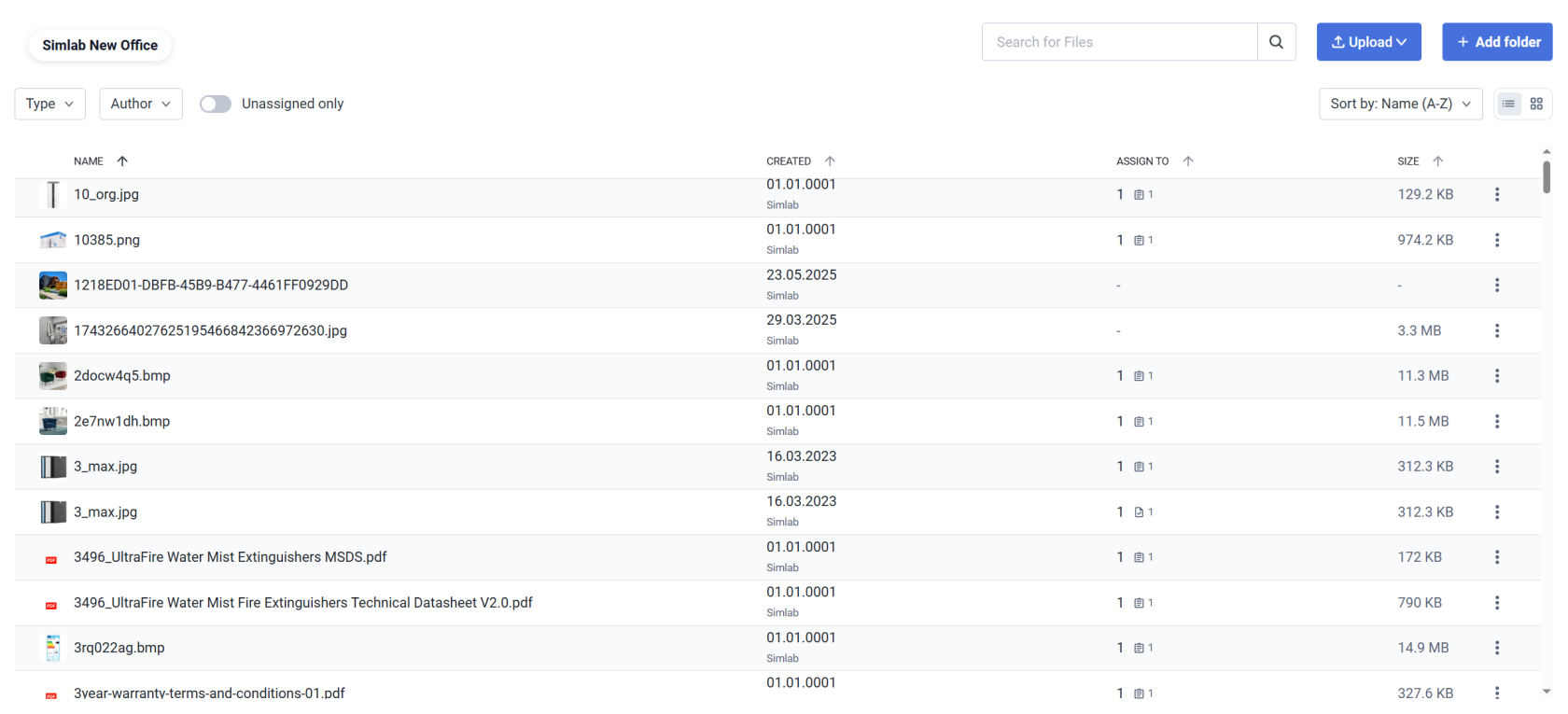
Use various ways to sort and filter through the files you are searching for.
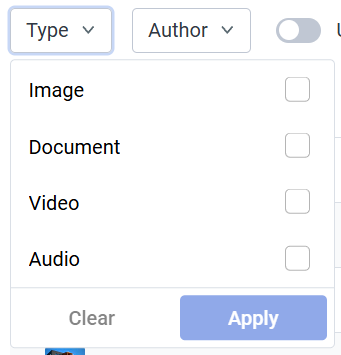
TypeFilter by file type
|
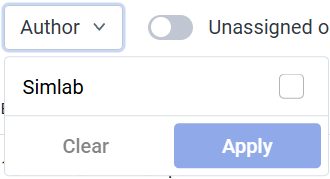
AuthorFilter by file uploader
|
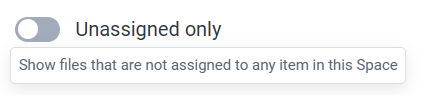
UnassignedFilter toggle for unassigned files
|
SearchFind specific files by filename
|
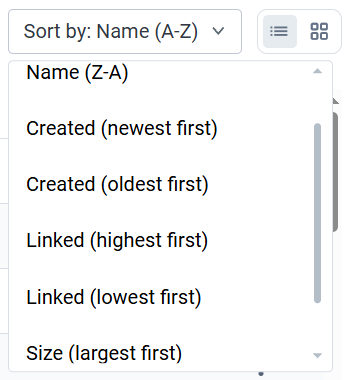
SortArrange files in order
|

File options
|
By clicking more options
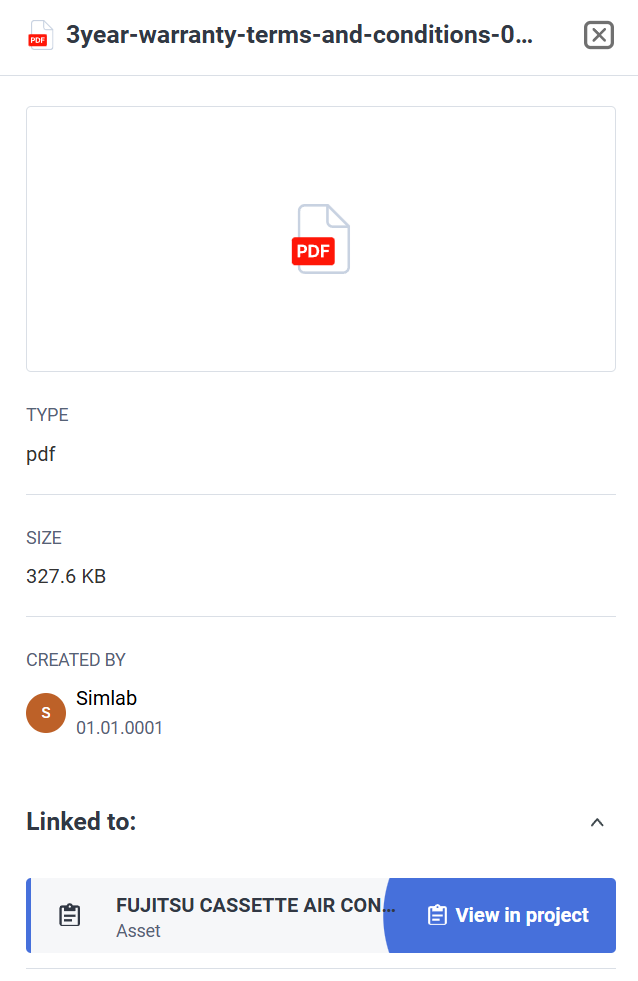
Selecting More info - reveals a side panel with more detailed file information, together with a shortcut to the linked asset within the project -> |
 |
 icon - we can access file actions: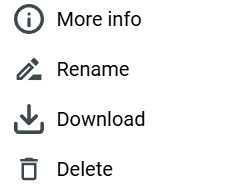
Display toggle
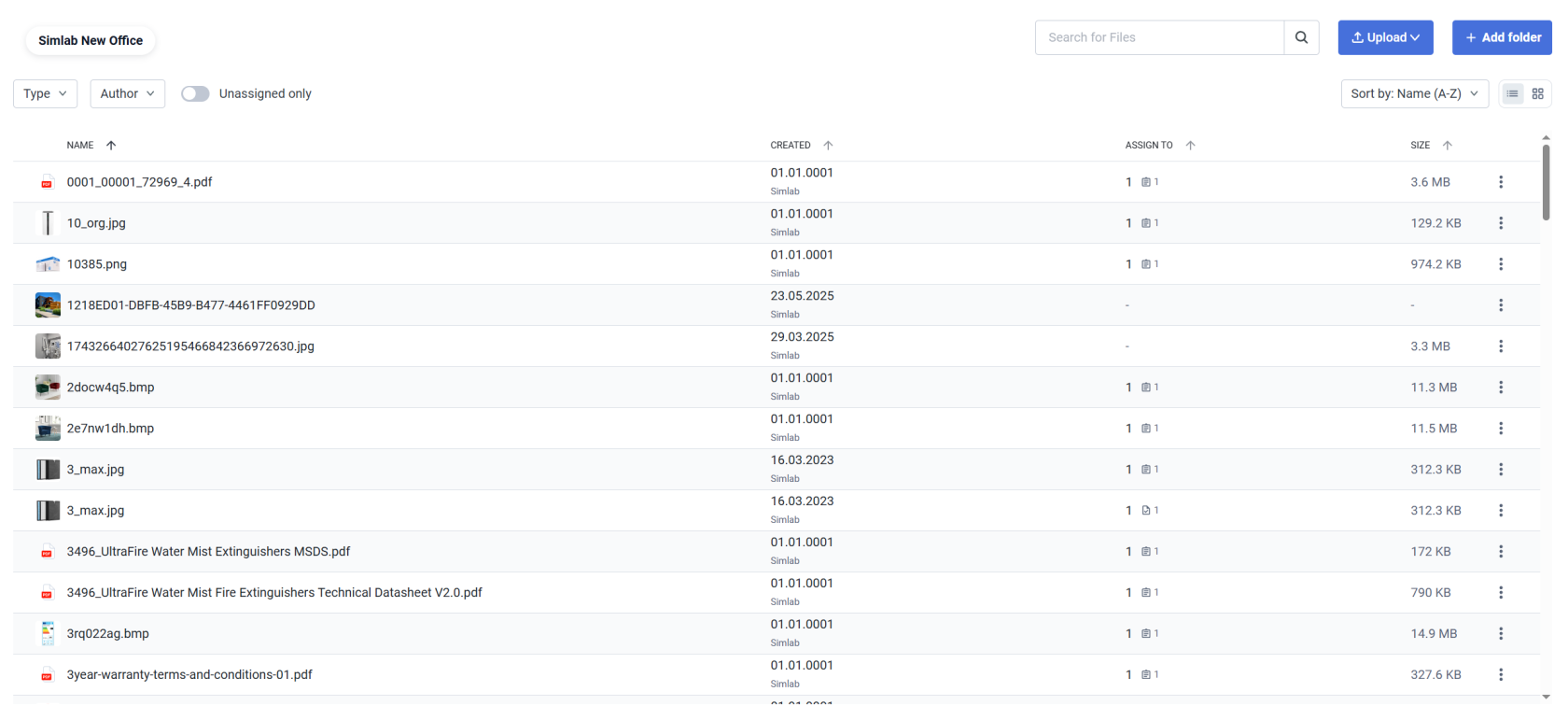
Change between List view and Tiles view  depending on your preferences
List view:
Tiles view: